← Back
3 Top Tips for Using Your Goniometer
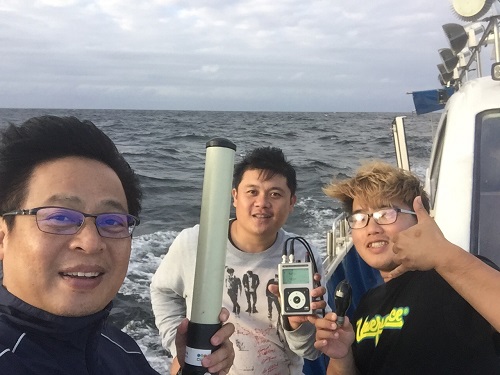
Since 2016, the Argos team has continued to deepen its expertise in all things Goniometer, building on years of experience in sales, marketing, and underwater technology, including close collaboration with Argos satellite tag manufacturers.
Our fieldwork, from supporting tagging operations to training users, has helped us understand how the Goniometer performs in real-world conditions and how to get the most out of it.
Drawing on extensive hands-on experience and valuable feedback from users like you, we’ve compiled our top three tips for using your Goniometer efficiently.
 1. Elevate the Antenna as high as practically possible
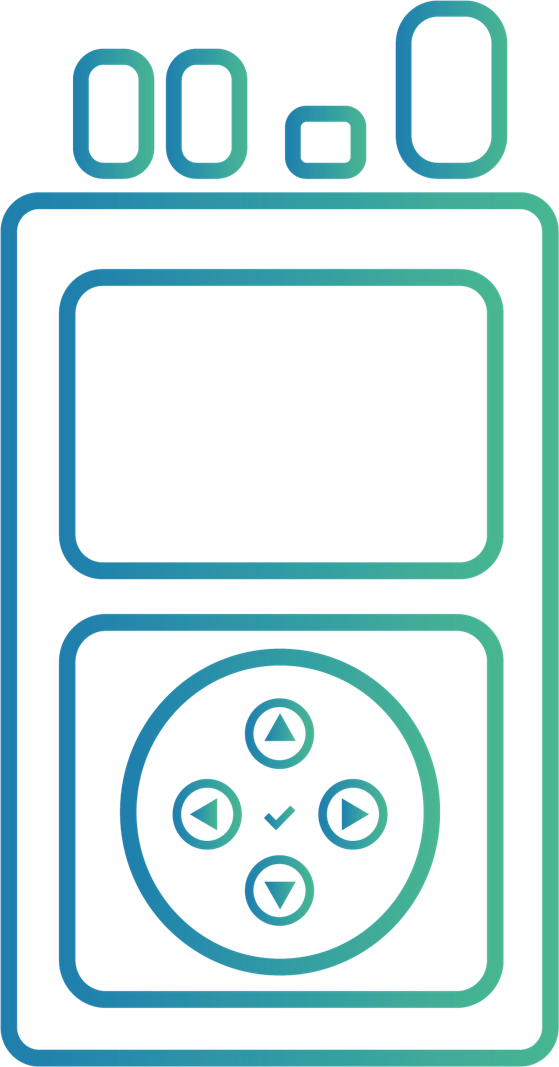
The Goniometer’s ability to receive messages can be greatly enhanced simply by increasing the height of the antenna. You may have been wondering why the antenna cable is so long; this is why. Without going into great detail how Argos signal propagation works, just understand the importance of line of sight. For the Goniometer to receive a message it must be able to “see” (hear) the transmitter, and as you can imagine, its ability to see the transmitter increases as the height of the antenna increases (those are its eyes, or ears in this case). For example, a 7 foot tall person will see further in a crowd than a 4 foot tall person…the same logic applies here. The antenna can be mounted to the metal holder which can then be mounted to a pole to help elevate the antenna.
2. Start the search process at the last known Argos location.
I know that this sounds like a very simple tip or recommendation, and it is, but it works. Most Goniometer users report recovery times between one and three hours with three hours being primarily due to environmental conditions (on a boat…in the ocean, for example). These users all follow the simple tip – they started their search at the last known Argos location. Unless you are actively tracking and estimating the future location of the tagged animal, starting your search at the last Argos location is best practice. In addition, it helps to filter the location classes if possible
What are location classes? Access ArgosWeb Manual
 3. Ensure that the settings on the Goniometer are set properly
We have only heard of a few unsuccessful tag recoveries, and it is usually one of two reasons. Either the individual forgot to check the tags’ duty cycling (the Goniometer only works with the Argos signal, so the tag has to be transmitting) or there was an incorrect setting on the Goniometer itself. The first thing you should check when you go into the field are the Goniometer’s settings (just in case / peace of mind). Once you access the settings screen (indicated by the wrench symbol), you should notice that there are two pages, and you will want to navigate to the second page of the settings. Confirm that both the “Direction Mode” and “Antenna Mode” settings say “Gonio” and not “Direct Reception.” The Direct Reception mode only works with GPS-enabled tags where CLS has the decoding scheme from the manufacturer. If you are unsure, please either check with the manufacturer or with us.